
Pick and pack fulfillment is the connected process of selecting products or merchandising materials, verifying them against an order, packaging them correctly, and getting them out the door on time. When it works, nobody notices. When it doesn't, you hear about it from a dealer, a retail partner, or a frustrated customer.
This guide breaks down what picking and packing actually involve, the methods warehouses use for different order types, how to improve accuracy and control costs, and how the process changes when you're shipping complete retail displays instead of parcels.
Key Takeaways
- Pick and pack joins item selection from storage with shipment-ready preparation.
- Picking secures the right SKUs and quantities; packing protects, labels, and readies them to ship.
- Match the method to order volume, SKU variety, product size, and shipping deadlines.
- Barcode verification and final QC catch errors before orders reach customers.
- For display programs, kitting and pack-out keep complete units on-spec at delivery.
What Is Pick and Pack Warehouse Fulfillment? The Complete Process
"Pick and pack" refers to two specific steps inside a larger fulfillment process. Fulfillment itself is broader: it can include receiving, storage, kitting, quality control, shipping management, and returns. Pick and pack sits at the center of that chain.
Picking means locating and collecting the correct products, components, or quantities from inventory. Packing means selecting protective materials, consolidating the order, adding documentation, applying labels, and preparing the shipment for transport.
Per ASCM's warehouse management guide, a warehouse management system typically directs picking and maintains inventory records, while staff check picked items against the order before packing and labeling.
The Typical Workflow
A standard pick and pack sequence moves through six stages:
- Order receipt — Capture the destination, requested timing, product specs, and any special instructions.
- Inventory verification — Confirm all required products or components are actually available before work begins.
- Picking — Generate a pick list or digital task and retrieve items from storage.
- Verification — Check products, quantities, versions, and destination requirements against the order.
- Packing and pack-out — Place items into the appropriate carton, kit, pallet, or completed package.
- Shipping — Apply labels and documentation, stage the shipment, and provide tracking information.
How Multi-Item and Display Orders Differ
Multi-item orders, display kits, and complete merchandising units add steps a single-SKU parcel doesn't require:
- Matching components to a bill of materials
- Including assembly instructions
- Selecting protective materials sized to the unit
- Applying destination-specific labeling for each store or dealer location
Picture a dealer-network display rollout. Components such as a countertop unit, graphics panel, and hardware kit are pulled from storage and checked against a parts list. They're boxed with foam inserts to prevent panel damage, labeled for a specific dealership address, and staged for freight pickup.
"Packed" doesn't mean "shipped." It means the items have been gathered, verified, and placed into shipping packaging. They still generally await labeling, staging, or carrier handoff.
Picking and Packing Methods for Different Order Types
No single picking method works for every warehouse. The right choice depends on order volume, how much SKU overlap exists between orders, product dimensions, labor availability, and turnaround requirements.
Piece or Single-Order Picking
Workers complete one order's items before starting the next. It's straightforward and keeps orders from getting mixed up, a practical fit when every order has different components or instructions. The tradeoff: as order volume rises, individual trips to storage locations add up fast.
Batch Picking
Workers collect items for multiple orders in a single warehouse trip, keeping them sorted in separate totes or sections. This cuts travel time when orders share products or components, but it requires accurate sorting or consolidation afterward. That step can become a bottleneck if it's rushed.
Zone Picking
In larger facilities, workers are assigned to specific areas and pick only what's in their zone. Orders that span several zones need clear handoffs and scan-based tracking to make sure nothing gets left behind before the order reaches packing.
Wave Picking
Wave picking releases orders in planned groups by carrier cutoff time, rollout phase, destination group, or priority level. It combines batch and zone picking on a schedule. That makes it useful for scheduled multi-location shipments or time-sensitive rollout programs where dozens of locations need product on the same date.
Automation: Person-to-Goods vs. Goods-to-Person
In person-to-goods picking, workers travel to storage locations. In goods-to-person systems, totes or shelving come to a stationary picker instead. Automation should match the operation's volume, repeatability, and return on investment. It is not the right call for every warehouse, especially one handling highly variable or custom product mixes.
Packing should match the pick method. Single-order picks can move straight to a dedicated pack station. Batch, zone, and wave picks usually need a consolidation or kitting step first so multi-line orders, display kits, and multi-location shipments leave complete and labeled correctly.

How to Improve Pick and Pack Accuracy, Speed, and Cost
Improvement starts with an honest look at current performance:
- Order volume and SKU variety
- Average order complexity and in-warehouse travel distance
- Recurring error types and shipping deadlines
Fix Inventory Organization First
- Slot fast-moving items and frequently paired components near work areas.
- Use clear, consistent location IDs and logical movement paths between storage, picking, packing, and dispatch.
- Revisit routes and staging areas whenever product mix or order volume shifts.
Standardize Packing — Without Treating Every Product the Same
Different products need different packing instructions. Create separate guidance for standard items, fragile products, oversized components, complete display units, and mixed kits, specifying:
- Carton or pallet requirements
- Protective materials and documentation
- Labeling and stacking instructions
Right-sizing cartons also matters for cost control. Per FedEx's 2026 Service Guide, chargeable weight is the greater of actual weight or dimensional weight, so an oversized box with excess void space can cost more to ship even if the product inside is light.
Add Checkpoints Before Dispatch
Build in verification steps that catch mistakes before they leave the building:
- Check item identity, quantity, version, finish, hardware, and accessories against the work order.
- Use a final pack-out checklist or scan confirmation for high-value or multi-component shipments.
- Document exceptions (shortages, substitutions, damage) before the shipment ships, not after a complaint arrives.
According to WERC's 2022 DC Measures report, the median picking accuracy across surveyed distribution centers was 99.20%, with best-in-class operations starting at 99.85%. That gap is real orders going out wrong.
What Actually Drives Cost
Pick and pack costs stack from several sources:
- Labor and warehouse space
- Packaging materials
- Order complexity, kitting, or assembly
- Special handling, labeling, and number of destinations
Some charges run per order, per item, per kit, or per pallet; others are billed by storage period or as project-based services.
Rather than relying on a generic rate, request a scope-based quote that separates ongoing fulfillment costs from one-time setup, engineering, or rollout work.
Track these measures against your own historical trend, not an industry average alone:
- Pick accuracy and pack accuracy
- Order cycle time and on-time dispatch
- Cost per completed order
Technology and Quality Controls in Pick and Pack Operations
Warehouse management software centralizes order information, inventory locations, picking tasks, and shipment records in one place. Barcode scanning and mobile devices confirm the correct item and quantity at the point of picking and packing, reducing the chance an error travels downstream unnoticed.
Voice picking, pick-to-light, conveyors, and goods-to-person automation can all speed up specific operations. They should still match the scale and repeatability of what you're actually shipping.
Per Zebra's 2025 warehouse study, 71% of warehouse leaders planning or implementing automation cited error mitigation as a goal. That figure shows industry intent, not a guaranteed outcome for every setup.

Documentation Matters for Custom and Branded Shipments
For custom-built or branded shipments, quality control documentation should confirm:
- Approved specifications, drawings, and component lists
- Packaging instructions, labels, and destination requirements
- Checks recorded before dispatch, so issues can be traced and corrected
Software visibility isn't the same as physical quality control. A status update that says "packed" tells you where an order sits in the workflow. It doesn't tell you whether the unit, its components, its packaging, or its labels were actually inspected.
Pick and Pack for Custom Display and Merchandising Programs
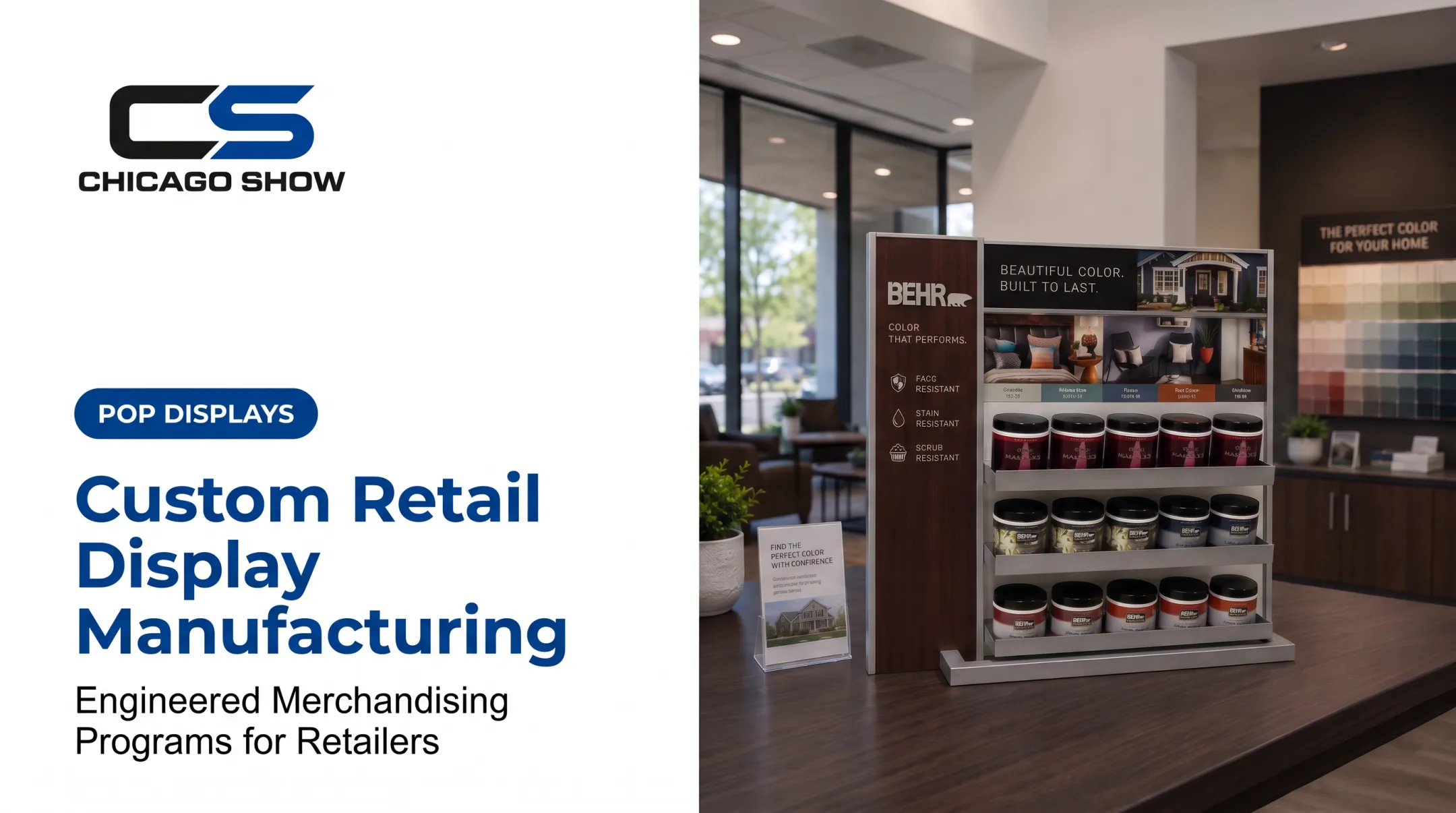
Pick and pack isn't limited to ecommerce parcels. The same discipline applies to retail displays, dealer fixtures, sample boards, branded kits, point-of-purchase units, and in-store demonstration materials, just with higher stakes per shipment.
A display-program workflow typically runs in this order:
- Receive or produce components
- Group by location or rollout wave
- Check against specifications
- Pack for transport
- Deliver with deployment instructions when needed
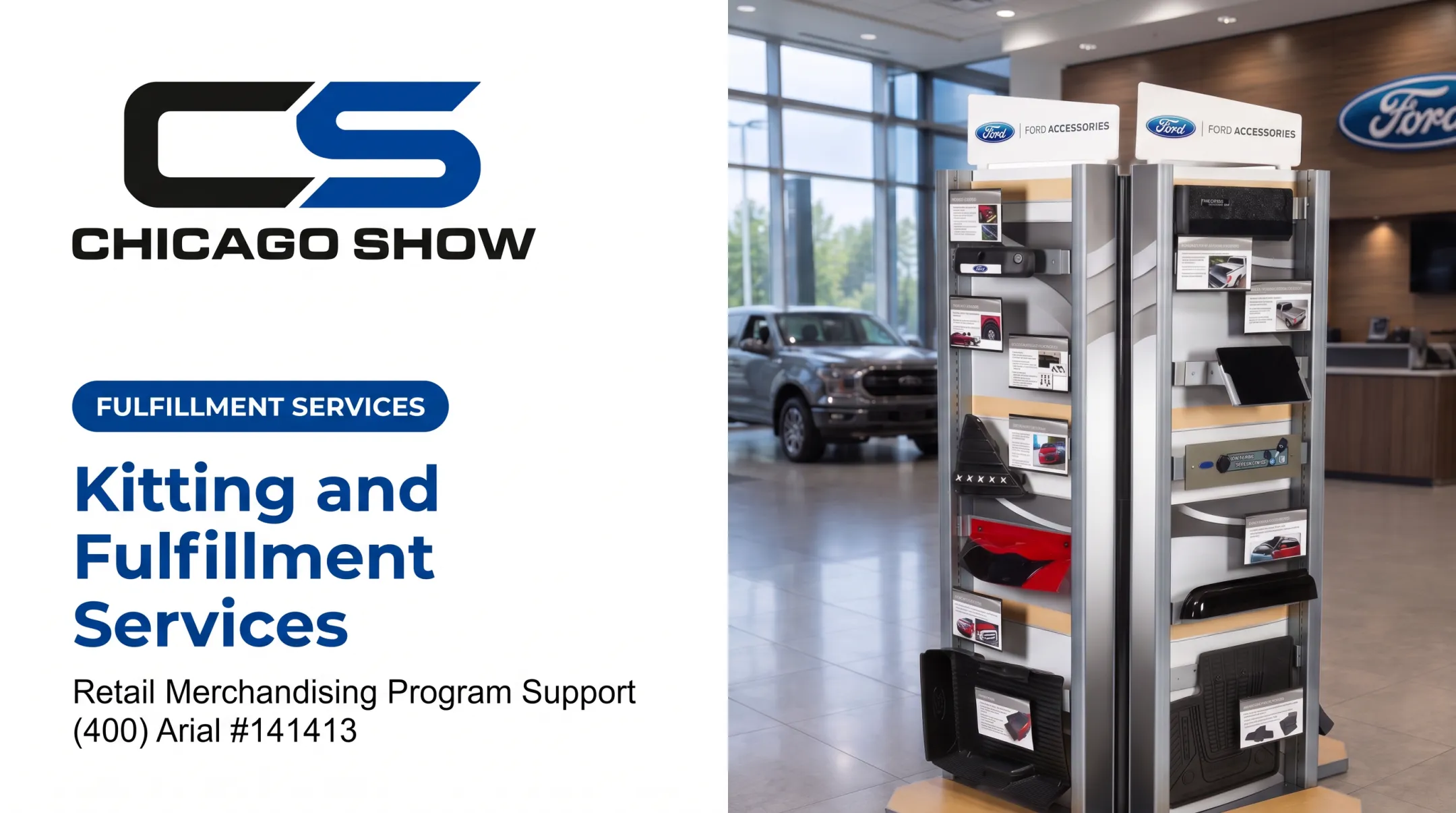
Kitting and Pack-Out for Display Programs
Display kitting involves more than boxing a product. It means:
- Grouping the correct fixture, graphics, hardware, accessories, and samples for each destination
- Using protective packaging suited to the unit's materials, dimensions, and expected handling conditions
- Applying destination-specific labels and keeping a record of what shipped to each location
Chicago Show has handled merchandising-display programs since 1902 — more than 124 years packing and delivering displays to retail floors and dealer networks across the U.S.
The company's process covers the full path from build to ship:
- Reviews specifications, quantities, and timing before anything is built
- Tracks build and pack-out through delivery
- Checks completed units against spec before they ship
Clients work with one point of contact from concept through final delivery, rather than juggling separate vendors for design, production, and fulfillment.

For brands running multi-location rollouts, reorders, or seasonal refreshes, a single accountable partner for kitting, pack-out, and fulfillment cuts execution risk. Fewer handoffs mean fewer places for something to go wrong between the warehouse and the store floor.
If you're a brand, distributor, agency, or multi-location retail or dealer team planning a custom display fulfillment or rollout, map the program requirements before the first unit ships.
Frequently Asked Questions
What is pick and pack in a warehouse?
Picking means retrieving the right products and quantities from inventory. Packing means protecting, labeling, and preparing those items for shipment.
How much does fulfillment cost?
Cost depends on labor, storage, order complexity, packaging, kitting, handling, and the number of destinations. Rather than relying on a generic rate, request a scope-based quote tailored to your specific program.
What is a fulfillment package?
It's the completed shipment prepared for a recipient: the ordered products or display components, protective packaging, required documentation, and a shipping label, all ready for carrier pickup.
What does it mean if an order is packed?
It means the items have typically been picked, checked, and placed into packaging for dispatch. It doesn't necessarily mean carrier pickup or final delivery has happened yet.
What is the difference between picking and packing?
Picking selects and gathers the order contents from storage. Packing protects, consolidates, labels, and prepares those contents for transportation.
How can businesses improve pick and pack accuracy?
Keep inventory records accurate and use clear location labels with barcode verification. Standardize packing instructions by product type, run a final quality check before dispatch, and review recurring error patterns to target the right fixes.