
Many retail teams struggle with a basic question: which display format actually fits their product, their store, and their budget? There's no shortage of options. Shelf talkers, countertop units, floor displays, pallet programs, gravity-feed bins, digital screens—each one solves a different problem.
According to NielsenIQ's 2025 U.S. consumer outlook, 25% of shoppers say they make most of their buying decisions in the store itself. That holds true across grocery, convenience, automotive, hardware, and specialty retail. This article breaks down what POP displays are, how they differ from POS, the major formats brands use, and how to pick the right one for a given product and rollout.
Key Takeaways
- POP displays sit near the product to interrupt the shopper and push a purchase decision at the shelf, counter, or aisle.
- Common formats range from shelf talkers and counter displays to endcaps, pallets, and digital/interactive units.
- Match the format to product size, shopper behavior, store space, campaign length, and budget.
- Effective programs pair creative impact with field durability, easy assembly, and consistent multi-location execution.
What Is a Point-of-Purchase Display?
A point-of-purchase display is a branded fixture, sign, container, or digital unit that puts merchandise and promotional messaging exactly where a shopper can see or touch it. That could be a shelf, an aisle end, a spot near checkout, open floor space, or a dealership showroom.
These units show up in different shapes depending on where they sit:
- Shelf-adjacent: small signage or add-on units attached to existing shelving
- Aisle-end or floor: freestanding displays, pallets, or dump bins
- Checkout-adjacent: counter units and racking near the register
- Dealer and showroom: product towers, demo units, and comparison displays
POP vs. POS: What's the Real Difference?
POP and POS get used interchangeably, but they're not quite the same thing. Point of purchase covers the entire shopping journey—any spot where a display might influence what ends up in a cart. Point of sale usually refers to the checkout or transaction area specifically.
A display sitting on a checkout counter is technically both. It's a POP tactic that happens to live at the POS. In casual retail conversation, people blur the two terms constantly, and that's fine as long as everyone understands the overlap.
POP displays can be temporary, semi-permanent, permanent, or digital. Materials run the gamut too: corrugated board, paperboard, wood, metal, plastic, or some combination depending on how long the unit needs to last and what it needs to hold.
Why Are Point-of-Purchase Displays Important in Retail?
A product sitting in its normal shelf spot competes with everything around it. A display gives that same product secondary visibility, a second chance to catch a shopper's eye somewhere else in the store.
NACS's 2023 Convenience Voices study surveyed more than 6,500 convenience-store customers and found 20.1% left with an impulse purchase. Among those shoppers, 19.2% specifically credited an eye-catching display for the decision.

Different display types solve different retail problems:
- Impulse purchases near checkout (candy, travel items, accessories)
- Product education for complex or technical items (automotive parts, tools)
- Cross-selling beside complementary products (batteries near electronics)
- Seasonal promotion during a limited campaign window
Chicago Show's work with Monroe Shocks & Struts shows this in practice. An interactive counter display lets shoppers physically feel the difference in suspension performance, backed by a 1,000-mile, 90-day risk-free trial message. That's product education doing double duty as a sales tool.
Miss on the display, and that payoff disappears just as fast:
- Products get lost on crowded shelves
- Messaging confuses rather than clarifies
- Replenishment becomes a chore
- Brand presentation looks inconsistent from store to store
A unit that collapses after two weeks in the field costs more than it ever saved.
Types of Point-of-Purchase Displays
POP displays get classified a few different ways: by physical format, by where they sit in the store, by lifespan, or by how much the shopper interacts with them. One unit often checks several of these boxes at once. A countertop display, for instance, is a format, a placement, and sometimes an interactive unit all at the same time.
Picking the right format means thinking through product dimensions, weight, how often it needs restocking, store traffic patterns, campaign timing, and how many locations are getting the program.
Shelf-Level and Inline Displays
These are the smallest, simplest units in the category: shelf talkers, shelf flags, hang tags, and inline displays that attach to or sit within existing shelving. They interrupt the shopper's eye without taking up extra floor space.
Examples include a shelf tag calling out a new automotive filter benefit, an inline promotion for a beverage brand, or a compact accessory display positioned beside a related product.
Strengths:
- Minimal space requirement
- Simple installation
- Works well in tight, crowded aisles
Limitations:
- Small message area
- Only works if the product is already stocked correctly
Countertop and Checkout Displays
Counter displays sit on checkout counters, service desks, or reception areas. They're built for small, lightweight, high-margin, or impulse-driven items: things a shopper grabs without much deliberation.
Think candy, travel-size products, automotive accessories, batteries, service add-ons, or branded samples. Chicago Show's Dunlop Motorcycle Tires counter display is a good example: a countertop unit featuring a motocross tire section paired with a rebate offer of up to $40.
These units need to be sturdy. They get handled constantly, so stability, a small footprint, and concise messaging matter more than elaborate graphics.
Endcaps and Sidekick Displays
Endcaps sit at the end of an aisle, where foot traffic naturally funnels past. Sidekicks (sometimes called power wings) are narrower units attached to or positioned beside a larger fixture.
Endcaps work well for launches, seasonal collections, and promotional groupings because they're visible from multiple directions. Sidekicks handle add-on items, like batteries positioned beside electronics or accessories beside automotive parts.
A 2023 study published in the Journal of Retailing observed nearly 12,000 shoppers across three stores over 48 hours. A moderately vivid projected endcap saw 2.1% of passersby select an item, compared to 1.3% at a traditional endcap, a measurable difference, though specific to that study's conditions.

Trade-offs to weigh:
- Strong visibility comes with retailer space constraints and placement approval requirements
- Structural demands increase with size
- Replenishment needs to stay reliable, or the display looks neglected fast
Floor, Freestanding, Dump Bin, and Pallet Displays
Freestanding floor displays stand independently as branded units. Dump bins are open containers built for quick-grab merchandise. Pallet displays arrive pre-loaded with product and support rapid store setup.
These formats work for snacks, beverages, seasonal goods, tools, building products, and tires or automotive accessories, anything that benefits from prominent placement or high inventory capacity.
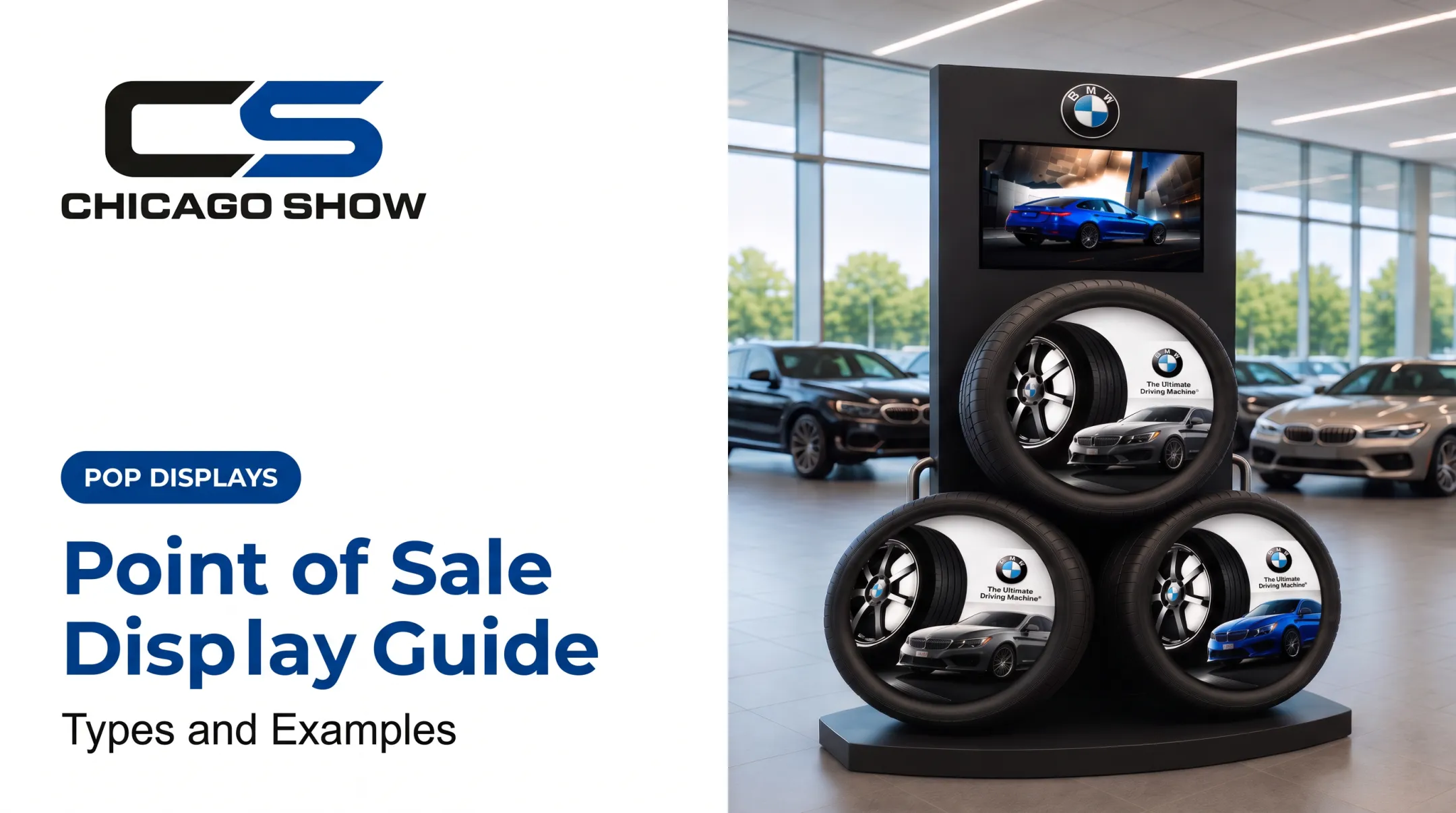
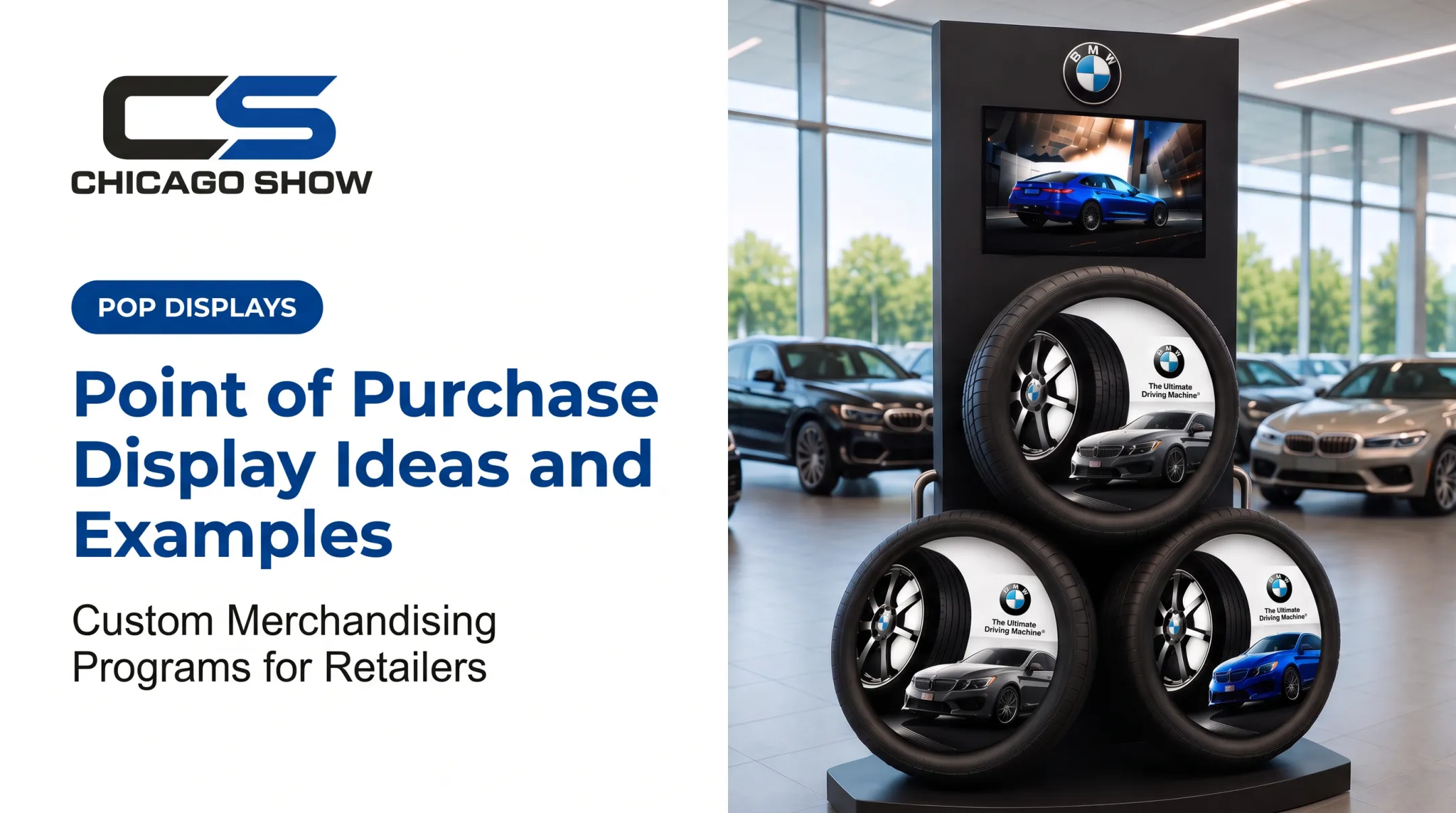
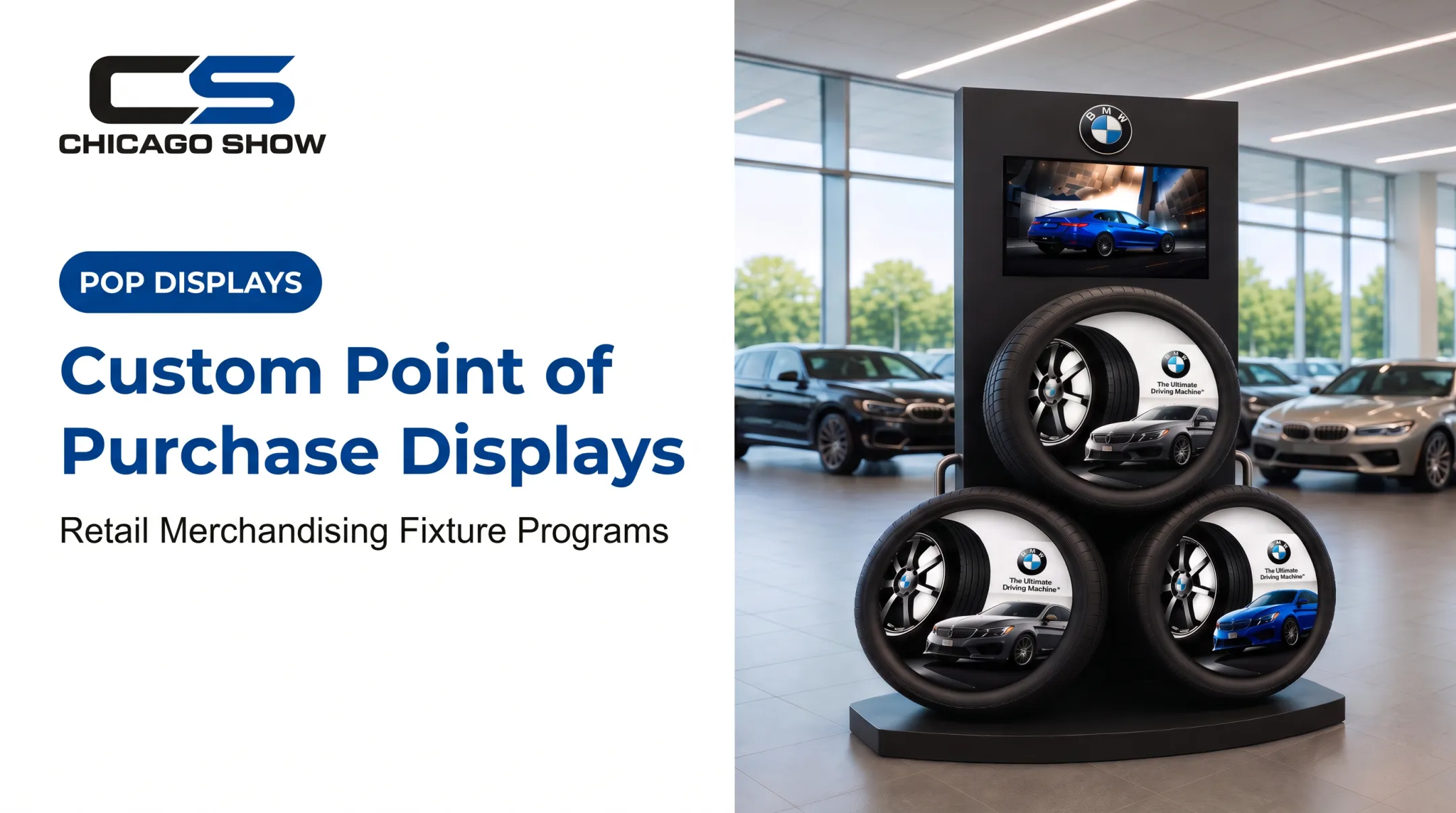
Chicago Show's BMW Tire Display Program is a freestanding showroom unit holding three large tires with branded panels, built specifically for dealership floors rather than grocery aisles.
Before committing to this format, check:
- Available floor space and shopper circulation patterns
- Product weight and how it's accessed from multiple sides
- Forklift or manual handling requirements
- Shipping configuration and resistance to wear over time
Gravity-Feed and Interactive Displays
Gravity-feed displays use angled shelves or tracks so the next product rolls forward automatically when one gets removed. It keeps the unit looking stocked and organized without constant manual attention.
Digital screens, QR-enabled signage, touchscreens, and sampling stations fall into the interactive category. These formats suit products that need explanation or hands-on trial: tools, automotive components, food, beverages, and consumer electronics.
Chicago Show's Goodyear Engineered Products component display uses real timing-belt components, complete with cam gears, pulleys, and a tensioner, to show a 60,000- to 100,000-mile replacement interval. That's a product category where education matters more than impulse appeal.
Interactive units bring added overhead: power requirements, maintenance, content updates, and sometimes sanitation procedures for sampling stations.
Temporary, Semi-Permanent, and Permanent Displays
Lifespan is a separate decision from format. The Shop! Association classifies temporary displays as intended for up to five months of use, and permanent displays for six months or more. Semi-permanent sits in between as an established industry term, typically built for roughly six months, even though it isn't a formal award category.
| Lifespan | Best for | Trade-offs |
|---|---|---|
| Temporary | Short campaigns, product launches, market tests | Lower upfront cost, less durable, shorter storage need |
| Semi-permanent | Seasonal programs, multi-month campaigns | Stronger materials, moderate refresh cost |
| Permanent | Long-term brand zones, recurring programs | Higher upfront investment, lower replacement frequency |
Material choice matters for sustainability claims. The American Forest & Paper Association reports that 69% to 74% of U.S. cardboard available for recovery was recycled in 2024, a figure specific to the cardboard system, not a guarantee for every mixed-material display. Brands making recyclability claims should check component-level materials, not just the main structure.
How to Choose the Right Type of Point-of-Purchase Display
The right display fits the product, the shopper action you want, and the store constraints around it. Use the factors below to narrow format before you fall for the most dramatic option on the shelf.
Product, Shopper, and Merchandising Goals
Start with the action you want the shopper to take: notice something new, understand a feature, try a sample, grab an add-on, or just find the product faster.
Then factor in the physical realities:
- Product size, weight, and packaging shape
- Fragility or temperature/sanitation requirements
- Expected inventory volume
- Whether shoppers need to handle or compare the product directly
Chicago Show's Behr Sample Center illustrates this well. It's a countertop merchandiser with tiered shelves built specifically to let shoppers compare paint colors side by side, something a flat shelf tag could never do.

Placement, Store Environment, and Retailer Requirements
Traffic patterns, sightlines, approach distance, available space, aisle width, lighting, and proximity to related products all shape which format makes sense.
Retailers also have their own requirements for dimensions, materials, safety, attachment methods, signage, shipping, and replenishment. Confirm these before locking in a design, not after production starts.
Campaign Duration, Durability, and Flexibility
Short tests call for temporary construction. Seasonal or multi-month programs need semi-permanent builds. Durable, recurring brand zones justify permanent construction.
Also consider flexibility: Can graphics be swapped out? Can shelves adjust? Can the same structure work across multiple products or rollout waves?
Budget, Quantity, and Total Program Cost
Budgeting isn't just a unit price. It includes:
- Design and prototyping
- Tooling or engineering
- Materials and printing
- Assembly and packaging
- Freight and installation
- Replenishment and storage
- End-of-program handling
A cheaper display that collapses under product weight, or needs replacing every few weeks, often costs more over time than a sturdier option priced higher upfront.
Production, Fulfillment, and Field Execution
Before production begins, confirm prototype approval, product fit, load testing where relevant, pack-out configuration, assembly instructions, and location-level quantities.
When those details span multiple sizes, quantities, and rollout waves, one accountable partner helps keep execution tight. Chicago Show has managed display programs since 1902—concept development, in-house engineering, production, fulfillment, and quality oversight—for brands like Coca-Cola, Ford, Kia, and Lowe's, with program history that reduces repeat-field surprises.
What to Check Before Finalizing a Point-of-Purchase Display
A few final checks separate a display program that performs from one that causes headaches later.
- Match complexity to the goal. A simple shelf or counter display often hits the mark with less cost and complexity than a permanent or interactive build.
- Look past appearance. Confirm load capacity, accessibility, stability, retailer compliance, and expected field conditions before you sign off.
- Protect the full timeline. Creative approval, structural design, prototyping, production, quality inspection, and store setup all need real time on the calendar.
- Compare formats and define success. Weigh at least two suitable options and decide how you’ll measure results: visibility, engagement, product movement, or attachment sales.
Conclusion
A point-of-purchase display works when it boosts visibility, communicates value, and puts the product within easy reach at the moment a shopper decides. Shelf and counter units, endcaps and sidekicks, floor and pallet displays, gravity-feed systems, and digital formats each fit different products and store conditions.
The strongest programs balance creative impact with practical execution:
- Durable construction that holds up in the field
- Clear logistics, kitting, and multi-location rollout
- Retailer fit for real budgets, timelines, and floor space
- A simple way to measure whether the display moved product
Chicago Show has supported custom display programs for retail, CPG brands, and automotive dealer networks for more than 124 years. As a concept-through-fulfillment partner, it helps brands ship field-ready merchandising that looks right, arrives right, and holds up where shoppers actually buy.
Frequently Asked Questions
What is a point of purchase display?
A point-of-purchase display is a physical or digital merchandising unit placed near products or along the shopper journey. It attracts attention, communicates product benefits, and encourages a purchase decision.
What does POP stand for in stores?
POP stands for "point of purchase." It refers to the place and merchandising activity where shoppers encounter product information or promotions before or around the moment of buying.
What is POS and POP?
POP means point of purchase and can appear anywhere in the store; POS means point of sale and usually refers to the checkout or transaction area. The terms often overlap, since a checkout display counts as both.
What are the different types of displays?
Major formats include shelf talkers, inline displays, counter displays, endcaps, sidekicks, floor displays, dump bins, pallet displays, gravity-feed units, digital displays, and interactive units.
Can you give me some examples of point of purchase displays?
Examples include a seasonal endcap, a battery sidekick beside electronics, a countertop accessory display, a gravity-feed snack unit, a pallet display, and a digital product demonstration screen.
How much does a POS display cost?
Cost varies based on size, materials, customization, technology, durability, quantity, assembly, and freight. Request a project-specific quote rather than relying on a general price range.