
Introduction: Custom Retail Point of Sale Signage
A shopper standing in front of a shelf rarely reads a product label top to bottom. They scan, compare, and decide in seconds.
Custom retail point-of-sale signage exists to win that moment: grabbing attention, explaining value fast, and prompting action before the shopper moves on.
A 2012 POPAI shopper engagement study found that 76% of grocery purchase decisions were made in-store, covering planned, unplanned, and substitute purchases. That's a lot of influence happening at shelf level, not in a TV commercial.
Brands and retailers struggle with crowded shelves, inconsistent messaging across locations, shrinking floor space, promotions that change every quarter, and the logistics of supporting dozens or hundreds of stores at once.
This guide covers what POS signage actually is, the common formats available, how to design signage that works, material considerations for real-world retail conditions, and how to plan a signage program that holds up from concept to rollout.
Key Takeaways
- POS signage works as a silent sales associate, communicating price, benefits, and offers without added staff time
- Shelf, counter, floor, or campaign formats succeed when matched to product category and traffic flow
- Strong designs carry one message, a clear hierarchy, and a specific call to action
- Materials must fit exposure, handling, and campaign duration—not budget alone
- Documented briefs and workflows keep multi-location programs consistent and on schedule
What Is POS Signage?
Point-of-sale signage is branded or promotional messaging placed where shoppers make purchase decisions: checkout counters, shelves, aisles, end caps, displays, and service counters. The goal is simple. Give shoppers the information they need to choose, right where they're standing.
POS vs. POP: What's the difference?
Retail teams often use the terms interchangeably, but the technical split is clear. According to Creative Displays Now, POS signage usually means materials at or near checkout, while POP (point-of-purchase) covers promotional touchpoints across the store, including aisle displays and shelf talkers.
In practice, most retailers and brands don't split hairs. Function matters more than the label—and function is easiest to see in what the sign actually does on the floor.
Signage as a silent sales associate
Good signage does the job a floor associate would do, without one standing there:
- Highlights a specific benefit or feature
- States the price or promotion clearly
- Compares one product against another
- Points shoppers toward a category or aisle
- Educates on use, fit, or application
- Prompts an action, like scanning a QR code or grabbing a rebate card
Chicago Show's work with automotive brands shows the same idea in the field. The Monroe Shocks & Struts Interactive Demo Unit pairs a 1,000-mile, 90-day risk-free trial with direct claims such as:
- "Feel the Difference"
- "Improve Control and Handling"
- "Reduce Premature Tire Wear"
A shopper doesn't need a salesperson to get the pitch. The sign does that work.
Types of Custom Retail POS Signage
Different decision points call for different formats. Here's how the main categories break down.
Countertop and Checkout Signage
These live where last-minute decisions happen. Common formats include:
- Counter cards and tent cards
- Small product holders
- Compact checkout displays
They're built for add-ons, service promotions, or quick impulse buys near the register.
The Dunlop Motorcycle Tires Geomax MX34 countertop display is a clear case. It pairs mounted tire tread sections and technical graphics with a rebate card offering up to $40. The unit is small, but it does three jobs at once: education, visual proof, and an incentive.

Chicago Show's checkout and front-end racking work shows the same idea at a larger scale. A Lowe's system that wraps a Pepsi cooler with snack, candy, and magazine displays lets multiple product categories share one organized checkout footprint.
Shelf-Level Formats
These operate at eye level and compete for attention in a crowded aisle:
- Shelf talkers and shelf strips
- Wobblers
- Hanging signs
- Comparison panels
Wobblers work especially well because their flexible arm creates movement that naturally draws the eye. Keep shelf-level copy short. Shoppers glance, they don't read paragraphs.
Floor and Aisle Formats
Floor and aisle pieces direct traffic and create secondary selling locations away from the main shelf:
- Floor graphics
- End-cap headers and aisle signs
- Standees and freestanding units
Size and placement should match the traffic pattern. A floor graphic near a high-traffic entrance works differently than a standee tucked into a slower aisle.
Campaign-Focused Formats
Campaign formats tie a promotion together across the store:
- Sale signs and new-product launch signage
- Seasonal graphics and window signage
- Banners and QR-enabled signs
When storefront, shelf, and checkout signage all carry the same visual language, shoppers recognize the campaign the moment they walk in.
Designing Effective POS Signage
Design starts with one question: what should the shopper actually do after seeing this sign?
- Stop and look?
- Understand a benefit?
- Compare two products?
- Walk to a different aisle?
- Pull out their phone and scan a code?
Every design decision should serve that single action.
One Message, Clear Hierarchy
Overcrowded signage fails because it asks shoppers to process too much at once. Effective signs prioritize one main message, use concise copy, and make the offer immediately obvious. Add a call to action only when there's something specific for the shopper to do next, like "Scan for Rebate" or "Ask About Financing."
Compare that to a sign stacking five bullet points, two logos, and a paragraph of fine print. The shopper walks past it.
Brand Consistency Without Overpowering the Message
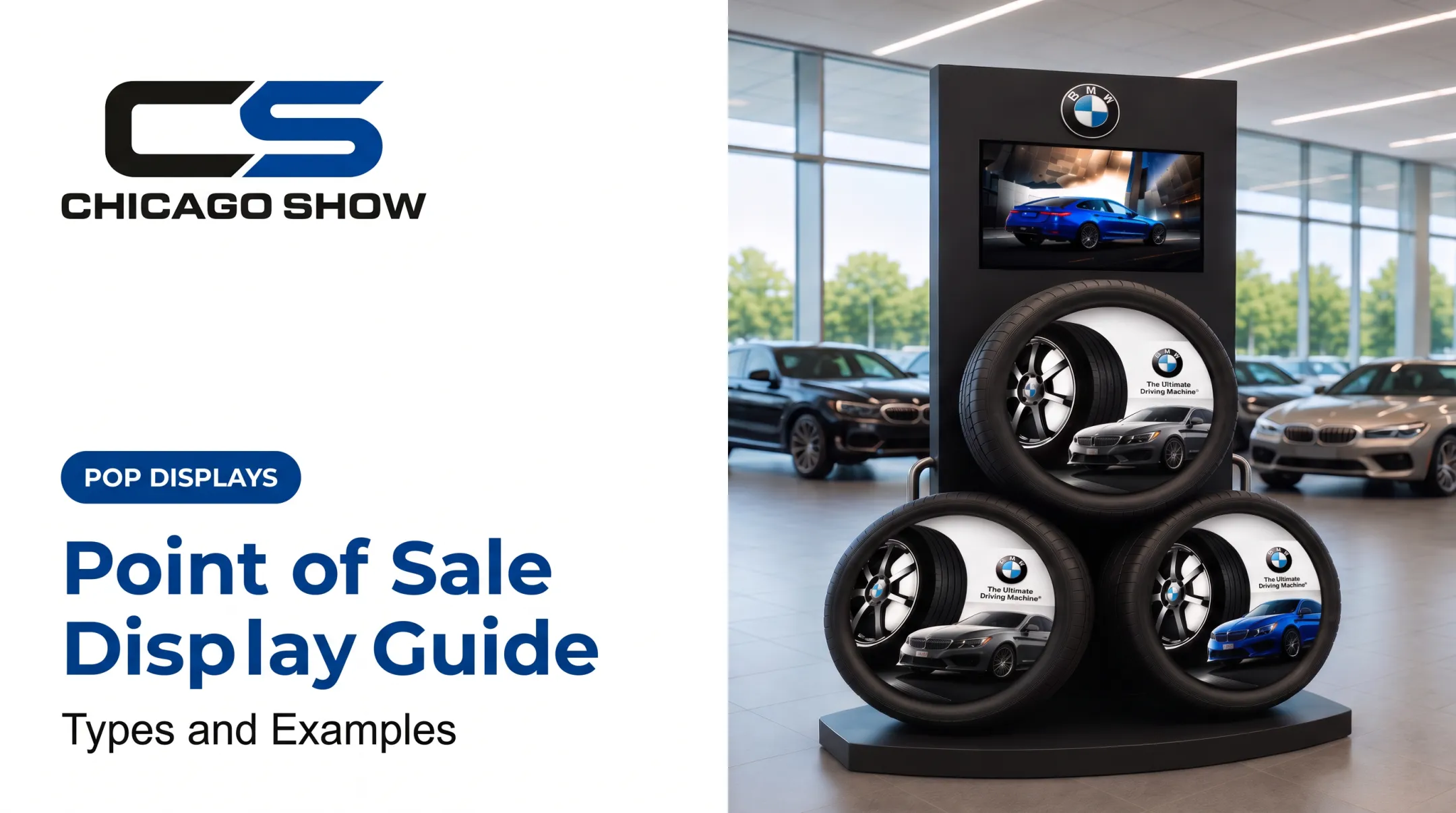
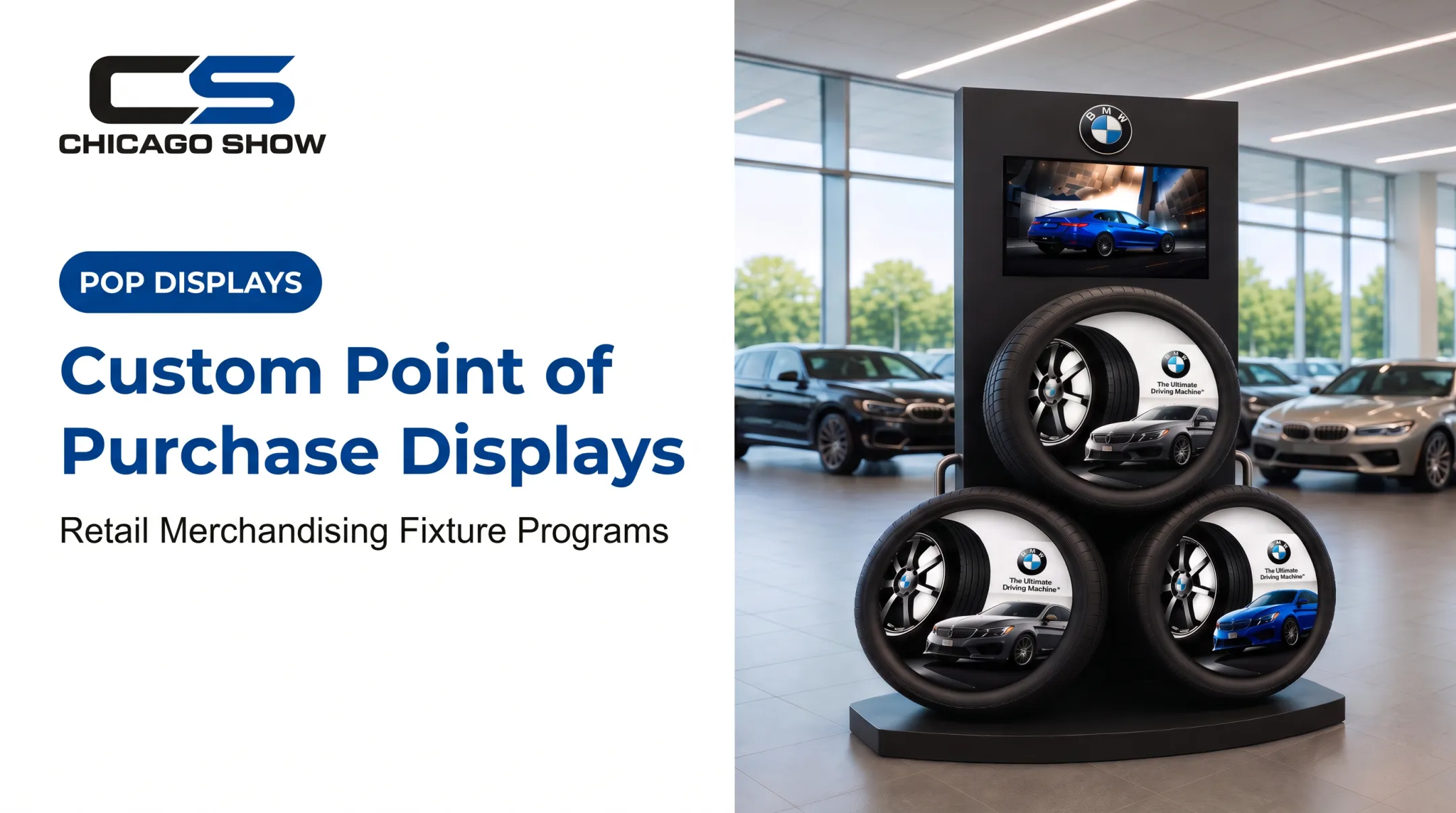
Logo placement, color palette, typography, and tone should all follow brand guidelines, but they shouldn't crowd out the retail message. The BMW tire display, for instance, pairs BMW branding and "The Ultimate Driving Machine" messaging with three tires in a triangular layout. Brand presence stays strong, but the product remains the focus.
Readability and Visibility
Legibility depends on the visual angle of text—physical size plus viewing distance. A review in the Journal of Vision supports that relationship. A shelf talker read from six inches away needs different sizing than a banner read from across a store.
Factors to account for:
- Viewing distance and expected dwell time
- Lighting conditions at the display location
- Color contrast and font size
- Image resolution at full print size
Tailor Messaging to Category
Match the message style to how shoppers decide in that category:
- Automotive parts: Product education, as in the Goodyear Engineered Products Component Display, with real timing-belt, pulley, and water-pump components plus replacement guidance (60,000 to 100,000 miles)
- Building products: Side-by-side comparison so buyers can weigh options
- Food and beverage: Sampling prompts that invite a try before purchase
Avoid unsupported performance claims in every category. Stick to what the product can actually demonstrate.
When the program allows, test alternate headlines, calls to action, or placements. A/B testing different shelf-label formats has been shown to shift shopper selection patterns, according to a Journal of Retailing study on unit-price prominence.
Know what outcome you're testing for—attention, comprehension, or conversion—before you change the layout.

Choosing Materials and Construction for Retail Conditions
Material choice depends on where the sign lives and how long it needs to last.
Key factors to weigh:
- Indoor versus outdoor exposure
- Expected handling and shopper interaction
- Campaign duration (short promo vs. permanent fixture)
- Cleaning requirements and moisture exposure
- Heat, sunlight, and shipping conditions
- Whether the piece gets reused or replaced each cycle
| Material | Common use | Consideration |
|---|---|---|
| Paperboard | Lightweight countertop displays | Short campaigns, not weather-resistant |
| Corrugated | Floor and pallet displays | Can ship flat for on-site assembly |
| Acrylic | Premium signage, sign holders | Clear, impact-resistant, higher cost |
| Aluminum composite panel | Outdoor or long-term signage | Durable, printable both sides |
| Rigid plastic sheet (Coroplast-type) | Indoor/outdoor temporary signage | Waterproof, stain-resistant |
| Adhesive graphics | Floor decals, window graphics | Surface compatibility and slip resistance matter |
No single material fits every application. A paperboard counter card works fine for a six-week promotion; a dealership floor display needs something closer to aluminum composite or reinforced corrugated.
Structural factors matter too:
- Mounting method and product weight
- Footprint and safe edges
- Storage needs between campaign cycles
Chicago Show specifies materials from the display's real field environment before production starts, not after a problem shows up in a store.
On sustainability, only claim what the materials actually support: reusability, recyclability, or flat-pack shipping that reduces freight volume. Don't attach a sustainability claim to a display that can't back it up.
Planning, Producing, and Rolling Out a POS Signage Program
A reliable signage program starts with a clear brief. At minimum, document:
- Campaign objective and featured products
- Quantities needed per location and total
- Store or dealer environments where signage will appear
- Dimensions and artwork requirements
- Installation method and launch date
- Budget range and replenishment needs
- Success criteria for measuring the program
A Typical Workflow
Most programs follow the same stages:
- Concept and design
- Engineering for structure and materials
- Prototype or proof review
- Material selection and final specification
- Production
- Assembly and quality inspection
- Packing and delivery
Each stage needs a decision point. Approving a proof before production, for example, catches issues before they multiply across hundreds of units.

Consistency Across Multiple Locations
Brands running programs across dozens of stores or dealer locations need documented specs and version control, especially when sizes, quantities, and rollout timing vary by location. Logistics matter just as much as design. Plan these details before the first truck leaves the dock:
- Kitting and pack-out by store
- Labeling and shipping configuration
- Per-store quantities and wave timing
- Reorder and refresh paths after launch
That execution is easier with one partner accountable from brief through delivery. Chicago Show has supported retail, dealer, and CPG merchandising since 1902—more than 124 years—and runs multi-location programs through five stages:
- Understanding the program
- Reviewing specs and quantities
- Managing production
- Managing delivery
- Supporting reorders and refreshes
The same process covers kitting, pack-out, and fulfillment when rollout timing differs by location.
If you are planning a custom POS signage or display program, Chicago Show can walk brand, retail, dealership, distributor, and agency teams through concept, production, and rollout requirements.
Benefits and Measuring POS Signage Performance
Done well, POS signage delivers practical, measurable improvements:
- Stronger product visibility at the shelf or counter
- Clearer communication of price, benefit, or promotion
- Better store navigation and category organization
- Consistent messaging across a multi-store campaign
- Support for cross-selling and add-on purchases
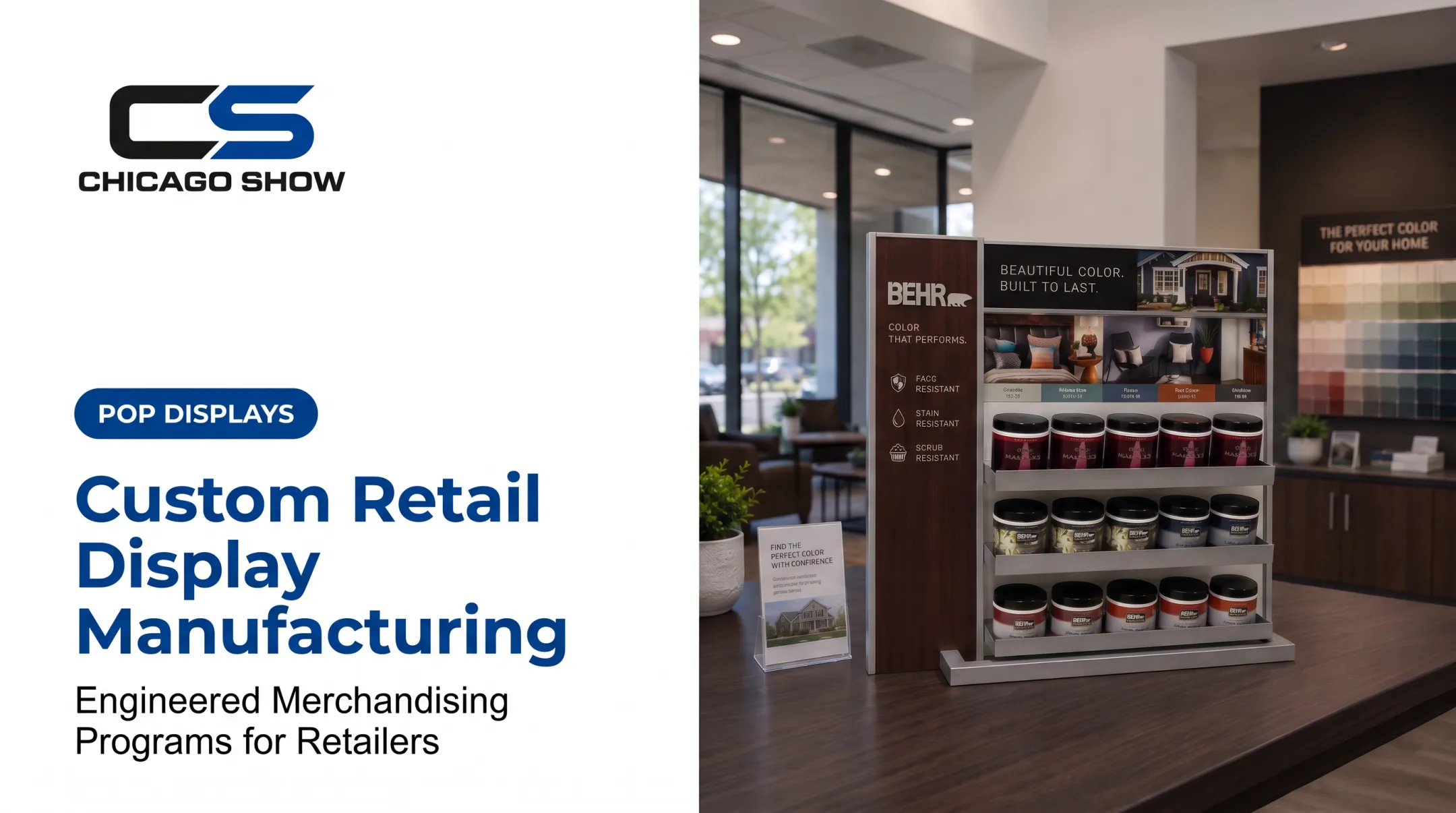
The Behr Sample Center is a clear example. Tiered shelves, paint cans, and color swatches help shoppers compare options and decide without needing staff for every question.
How to Measure It
Match the measurement method to the campaign:
- Compare featured-product sales before and after launch
- Track coupon or rebate redemptions
- Monitor QR-code scan activity
- Collect store-level feedback on display compliance
- Compare test locations against control locations when possible
Be careful with assumptions. Not every display produces a lift. A field experiment in Reykjavik found that adding point-of-purchase displays for a dishwashing brand produced no measurable change in that brand's relative unit sales.
Other studies found the opposite: more attention and sales for the featured product, sometimes with cannibalization of a nearby item. Measure the full category, not just the promoted SKU, and treat sales lift as something to test rather than assume.
Frequently Asked Questions
How much does a POS display cost?
Cost depends on format, size, materials, structure, quantity, finishing, and install needs. Because those variables change by project, request a project-specific quote.
Where can I buy a sale sign?
Off-the-shelf sale signs come from general print suppliers. Custom POS signage for a brand or multi-location campaign usually comes from a display manufacturer—compare quality, turnaround, quantities, and rollout support.
What is POS signage?
POS signage is branded or promotional messaging placed near checkout counters or other purchase-decision areas in a store. It informs shoppers and encourages a specific action, like buying, comparing, or redeeming an offer.
What are examples of POS signage?
Common examples include sale signs, shelf talkers, counter cards, checkout signs, floor graphics, end-cap headers, hanging signs, window graphics, banners, and QR-enabled signs. Each serves a different spot in the shopping journey.
What does POS stand for?
POS stands for "point of sale"—the location or moment a retail transaction is completed, usually checkout. The term also applies more broadly to signage used throughout the store.