
For U.S. brands, POP displays still matter because they do things packaging alone can't. They improve visibility in crowded aisles, explain a benefit in more detail than a label allows, create cross-merchandising opportunities, and give retailers a consistent way to present a product across hundreds of stores.
This guide covers the main POP display formats—shelf-level, endcap, checkout, freestanding, and interactive—along with real examples and a framework for picking the right one for your product and retail environment.
Key Takeaways
- Well-placed POP displays drive discovery and purchase at the shelf, checkout, and other high-intent moments.
- Match format to product size, shopper behavior, store location, campaign length, and rollout scale.
- Strong displays combine clear messaging, recognizable branding, accessible product, and construction built for the environment.
- Multi-location results hinge on fulfillment, quality control, and consistent execution as much as on visual design.
What Is a Point-of-Purchase Display?
A point-of-purchase (POP) display is any physical or digital fixture placed near a product to attract attention, communicate value, and encourage a shopper to buy. That includes shelf talkers, endcaps, countertop units, floor fixtures, dump bins, pallet displays, sampling stations, and digital touchpoints.
POP vs. POS: The two terms get mixed up often. According to Shopify's comparison of point of purchase and point of sale, point of purchase is anywhere in the store a shopper's decision can be influenced. Point of sale is the checkout or transaction location.
A checkout display is still a POP display. It is not the register itself.
Displays also vary by expected lifespan:
- Temporary — corrugated builds for a single promotion or seasonal push
- Semi-permanent — mixed-material fixtures meant for one program cycle
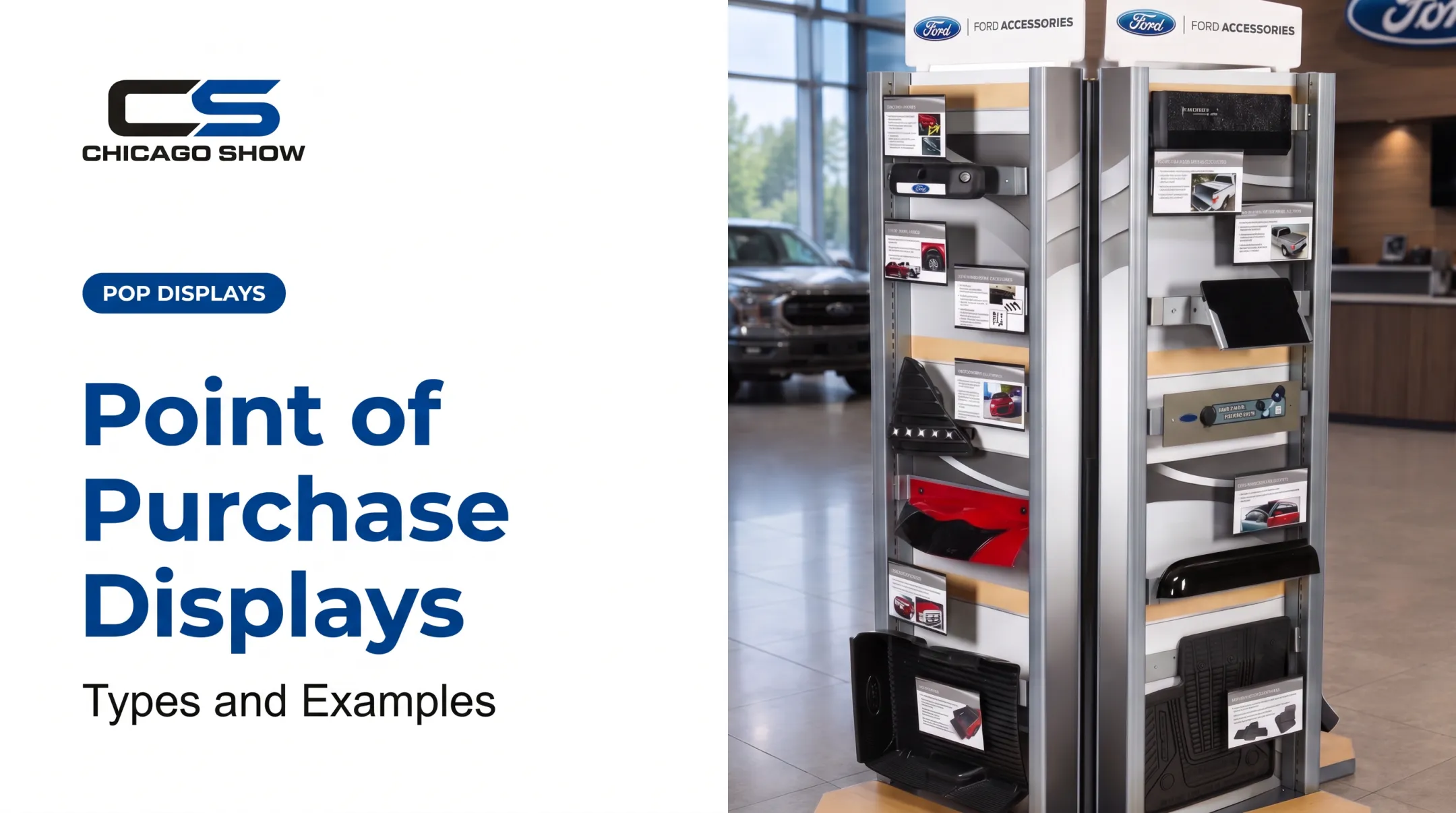
- Permanent — metal, wood, or acrylic units built for years of reuse, like a dealership showroom tower
The format you choose should match how long the campaign runs and how often the retailer expects to reset the floor.
Why Are Point-of-Purchase Displays Important in Retail?
Shelves start to look the same after a few seconds of scanning. A well-placed display breaks that pattern and pulls attention toward one specific product, whether it's sitting in a grocery aisle, a dealer showroom, or next to the register.
Displays also do something packaging can't: they give a brand more room to explain itself. A tire manufacturer can't print a 90-day risk-free trial offer on a sidewall, but a countertop display can. A paint brand can't fit fade-resistance claims on a can lid the way it can on a tiered Sample Center merchandiser.
The data backs this up. A 2023 field study published in the Journal of Retailing tested endcap treatments across three supermarkets and found that moderately vivid endcap displays produced measurably higher daily sales than traditional endcaps, with the difference tied directly to shopper attention and engagement at the fixture.

The effect wasn't universal. Highly vivid treatments underperformed the moderate ones, but the results still confirm that display design at the shelf edge changes buying behavior.
Strategic placement also drives cross-merchandising. Positioning automotive accessories near a service counter, or snacks beside a beverage cooler, turns one planned purchase into two.
Those gains only hold when the fixture is built and placed well in the store.
Where POP programs typically break down:
- Poor placement that hides the display from main traffic
- Too much copy competing for a shopper's five-second attention span
- Replenishment that's slow or awkward, leaving gaps on the fixture
- Construction that wobbles, tips, or can't survive store handling
- Inconsistent setup between locations, so the same program looks different store to store
Types of Point-of-Purchase Displays and Examples
POP displays cover several formats. The right choice depends on location, product weight, campaign length, and how much shopper interaction you need.
Shelf Talkers, Shelf-Edge Signs, and Inline Displays
These are compact elements attached to or built into standard shelving—small signs, clip-ons, or integrated shelf strips that call out a promotion, comparison, or new product.
A vitamin brand might use a shelf talker reading "New Formula—Now 2x Absorption" with an arrow pointing directly at the product. The upside is a low footprint and fast message recognition.
The limits are tight space and full dependence on where the retailer places the shelf set. These rarely work for large or heavy items that need more presence.
Endcaps, Sidekicks, and Power-Wing Displays
Endcaps sit at the end of an aisle, capturing traffic from both directions. Sidekicks and power wings attach to the side of that endcap or fixture, presenting smaller complementary products.
Example uses:
- A seasonal grocery endcap featuring grilling sauces ahead of summer
- A snack sidekick positioned near checkout lanes
- Automotive accessories mounted beside a related parts or service category
Endcaps work best for hero products and seasonal assortments; sidekicks suit smaller add-ons and accessories. Either way, retailer approval, replenishment access, and product weight all affect whether the unit actually gets installed and stays stocked.
Countertop, Checkout, and Dump-Bin Displays
Countertop and checkout displays are compact, built for impulse items, samples, and last-minute additions. Chicago Show's Checkout Racking program wraps a snack, candy, and magazine assortment around a cooler unit, turning one fixture into three merchandising opportunities where shoppers are already waiting to pay.
Dump bins are open, high-capacity containers suited to small packaged goods where easy access matters more than tidy presentation, such as travel-size toiletries or bagged candy.
These formats are economical and flexible, but they can look disorganized fast if nobody keeps them stocked. They also don't suit fragile or premium products that need a more controlled presentation.
Freestanding Floor, Pallet, and Gravity-Feed Displays
Freestanding floor displays create a branded destination away from the standard shelf. Pallet displays combine shipping and merchandising in one unit, letting large quantities arrive ready to sell. Gravity-feed displays use angled channels that push product forward automatically as items are removed.
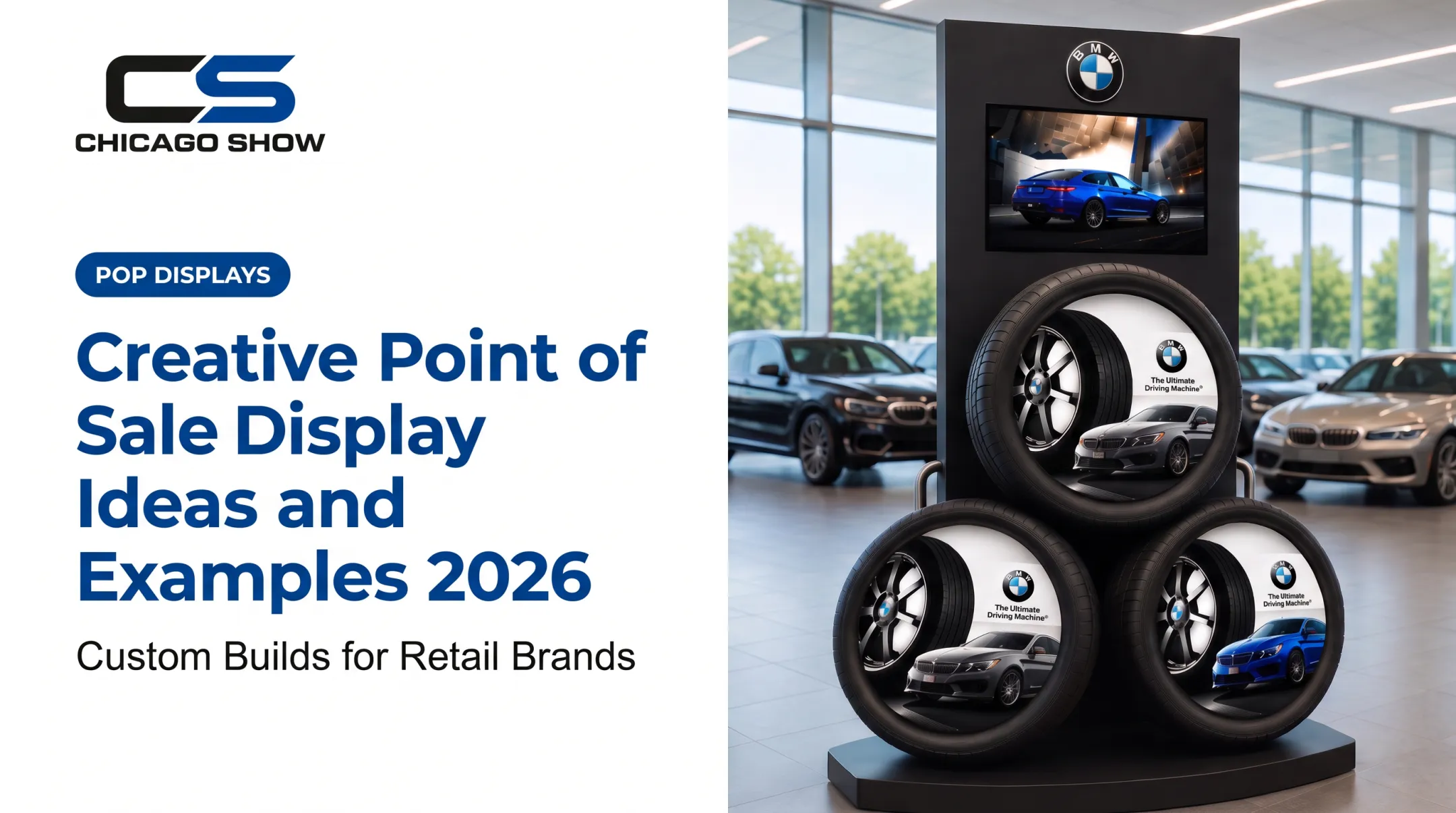
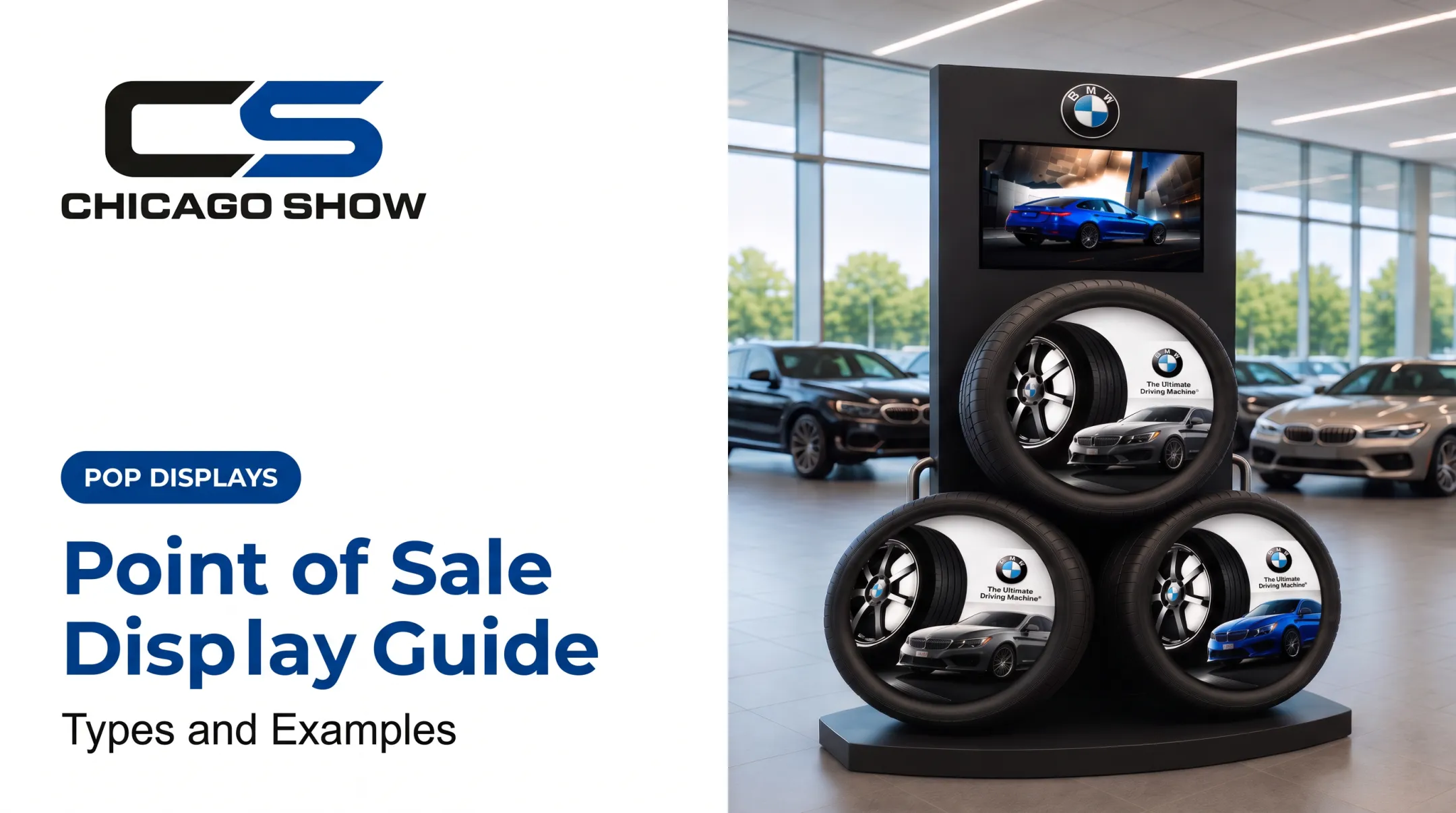
Chicago Show built a freestanding BMW tire display for dealership showrooms: three large tires, inset vehicle graphics, and a top-mounted video screen, all designed to stand on its own in an open floor area.
These builds need to account for stability, product weight, footprint, and whether the unit can be handled by pallet jack or forklift during delivery. A display that looks great on paper fails fast if it can't survive the trip from the truck to the floor.
Interactive, Sampling, Digital, and Demonstration Displays
Some products need explanation before a shopper will buy them. That's where sampling stations, touchscreens, QR codes, and hands-on demonstrations come in.
Chicago Show's Interactive Demo Unit is a clear-covered suspension model used by Monroe Shocks & Struts. It carries messaging such as "Feel the Difference" and "Reduce Premature Tire Wear," plus a 90-day risk-free trial offer printed on the fixture.
Shoppers can physically test the difference between a worn shock and a new one, which no shelf sign explains as clearly.
Operational needs to plan for:
- Staff support if the unit requires demonstration
- Power access for screens or lighting
- A way to update content without rebuilding the fixture
- Regular maintenance so the interactive element keeps working
Interactivity should always point toward a decision. If a touchscreen does not help a shopper choose a product, it adds cost without improving conversion.

How to Choose the Right Type of Point-of-Purchase Display
The right display is determined by the merchandising objective and the store environment, not by how elaborate or technical the format looks.
Start With the Product and Shopper Objective
Match the display to the action you actually want:
- Notice a new product
- Understand a technical benefit
- Compare options
- Try a sample
- Grab a complementary item
Also weigh package size, weight, fragility, price point, and purchase frequency. Ask one question before anything else: what does the shopper need to know in the few seconds they'll spend looking at this fixture?
Evaluate Location, Footprint, and Retailer Requirements
A display that works in a grocery aisle won't necessarily translate to a dealer showroom or a hardware distributor. Before finalizing a concept, confirm:
- Available width, height, and depth for the fixture
- Sightlines and traffic flow around the placement
- Neighboring merchandise that could compete for attention
- Retailer-specific fixture or safety approval requirements
Choose Materials and Durability Based on Program Length
Corrugated board works well for short promotions: it's printable, inexpensive, and recyclable. For programs expected to last years, metal, wood, acrylic, or mixed-material construction makes more sense.
According to Frank Mayer's guidance on eco-friendly retail displays, permanent fixtures cost more in material upfront but let you refresh graphics and components without replacing the whole unit. That extends working life without a full rebuild.
Chicago Show's Branded Fixtures program applies this logic directly, building items like engraved-logo wood-seat shop stools with steel frames meant to hold up through years of daily use in a service environment, not a single season.
Plan for Replenishment, Fulfillment, and Multi-Location Deployment
A display that looks right in a design file still has to survive shipping, assembly, and restocking at hundreds of locations. That means thinking through product capacity, pack-out, kitting, and assembly instructions before the first unit ships.
For national programs, this gets more complex: version control across store formats, location-specific quantities, rollout waves, and quality checks that confirm every unit matches spec before it leaves the warehouse.
This is the part of a program that's easy to underestimate. Chicago Show builds in kitting, pack-out, and fulfillment support from the start, plus recurring support for reorders and refreshes. A brand running displays across dozens or hundreds of dealer or retail locations gets one point of contact for consistency instead of a patchwork of vendors.
Define Success and Test Before Scaling
Set a baseline before rolling out broadly. Useful measures include:
- Shopper engagement
- Units sold
- Replenishment frequency
- Retailer compliance
- Installation issues
Compliance is worth watching closely. A 2024 POPAI UK & Ireland report, based on over 30 interviews with brands, retailers, and installation firms, found that 38% of respondents estimated temporary-display compliance at 80-99%, while 46% estimated it at only 60-79%. A meaningful share of displays never go up correctly, or don't stay up.
Testing alternate placements or materials on a limited rollout before a full program helps catch these problems early.

What to Check Before Finalizing a Point-of-Purchase Display
Don't default to the most elaborate format when a simpler shelf, counter, or floor solution achieves the same goal for less money and less operational risk.
Before locking in a design, confirm:
- Fit and safety: the unit matches the intended store environment, carries the product securely, and stays accessible to shoppers.
- Replenishment access: stock can be restocked without disrupting the display or blocking shopper access.
- Full program cost: design, prototyping, materials, assembly, kitting, shipping, installation, and eventual disposal or reuse.
- Specification accuracy: final artwork, dimensions, hardware, and product capacity match retailer and brand standards.
- Scalability: the design can support reorders, refreshes, or future rollout waves without a full redesign.
Conclusion
A point-of-purchase display turns ordinary retail space into a moment of attention, education, and access—whether that's a shelf talker calling out a new formula or a freestanding dealership tower built around a video screen.
The best display ideas balance creative impact with practical fit: the right placement, the right materials for the program length, and a plan for replenishment that doesn't fall apart after week one.
Brands planning a custom or multi-location program can work with Chicago Show from concept through production, fulfillment, and ongoing program management across retail, CPG, and dealer environments.
Frequently Asked Questions
What makes a good product display?
A good display combines visibility, clear messaging, and easy product access with branding shoppers recognize at a glance. It also needs to be structurally stable, placed where traffic actually flows, and designed around one specific shopper action.
What are some creative ideas for retail displays?
Strong options include shaped freestanding units, themed seasonal endcaps, cross-merchandising sidekicks, hands-on sampling stations, modular fixtures, QR-enabled signage, and branded pallet displays for major promotions.
What are the key retail display trends for 2026?
2026 forecasts favor modular, reusable fixtures you can refresh without full replacement, plus QR-linked product education and interactive demo units. Recycled content and reclaimed wood are also showing up more often in new builds.
What does point of purchase display mean?
A point-of-purchase display is a physical or digital merchandising unit placed near products to grab attention, explain value, and help close the sale. POP covers the full shopping path; point of sale refers only to checkout.
What are the 5 types of displays with examples?
The five main types are shelf/inline (shelf talkers), endcaps and sidekicks (seasonal grocery endcaps), countertop/checkout (impulse items at the register), freestanding floor units (branded tire towers), and interactive or digital displays (hands-on demo stations).
What are the 7 types of window displays?
Common formats include open-back, closed, semi-closed, elevated, corner, island, and shadowbox windows. These describe storefront window construction specifically, not the full range of in-store POP display types covered above.