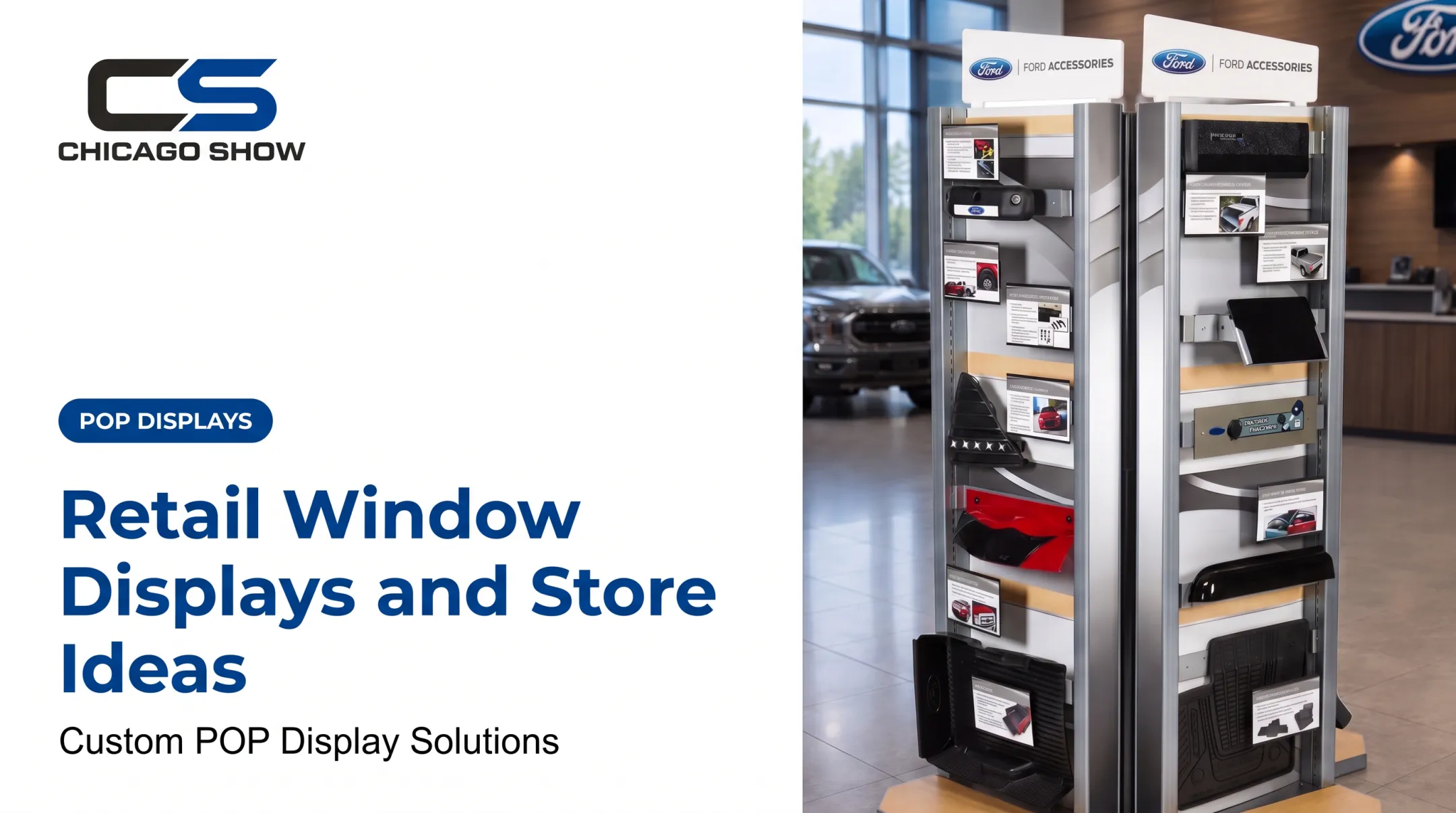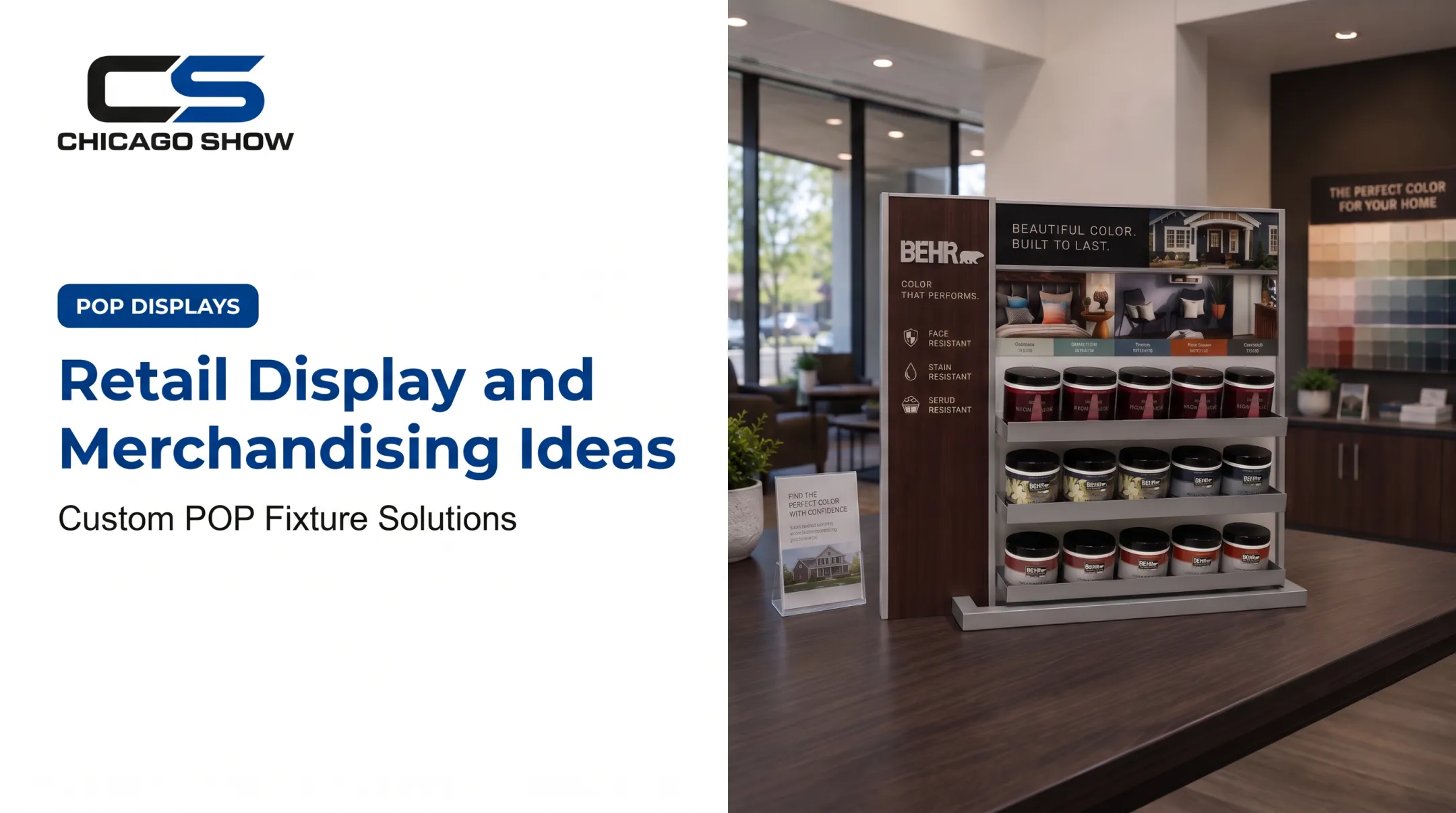

Most displays fail for predictable reasons: too many messages, unreadable text, stale seasonal props, or a design that works in one location and falls flat in another. Foot traffic exists, too. NRF reports 129.5 million in-store shoppers over the 2025 Thanksgiving weekend, so physical retail still has an audience worth stopping.
This guide covers practical window ideas, design principles, static versus digital choices, and how to measure results.
Key Takeaways
- Build each window around one audience, product, and action.
- Give the display a clear focal point, readable text, and room to breathe.
- Pick static, digital, or hybrid based on refresh needs and environment.
- Measure entries, inquiries, scans, and featured-product sales, not just looks.
What Is Window Display Advertising and Why Does It Matter?
What window display advertising means
Window display advertising uses storefront-facing products, graphics, props, fixtures, lighting, signage, screens, or interactive elements to communicate with people outside a business. It differs from online display advertising, which places ads on websites and apps. Both depend on visual attention and a clear message.
Why window displays influence behavior
A window does several jobs at once:
- Makes a first impression
- Introduces a product or brand
- Supports a promotion
- Answers a basic question before anyone walks in
- Gives people a reason to enter or keep researching
Be careful with claims, though. Published studies document shopper reach and campaign examples, but they do not show a universal sales lift from windows alone.
Match the display to the objective
The same window space can serve very different goals:
- Educating drivers about automotive parts
- Presenting a seasonal consumer assortment
- Demonstrating a building product
- Supporting a dealer campaign
- Promoting an offer
Start with the objective. It should dictate the product, message, format, tone, and call to action. Design decks come last.
Window Display Advertising Ideas to Attract Customers
Build the display around one hero product
Pick one product, collection, or benefit as the visual anchor. Add only the props that make the idea clearer. Elevated products, strong contrast, and negative space help when people see the window from a distance or in motion.
Coach's SoHo window centered on its Tabby bag, according to Vogue's coverage. Variations:
- Small storefronts: one product on a riser, one headline
- Large windows: a hero plus two or three supporting items
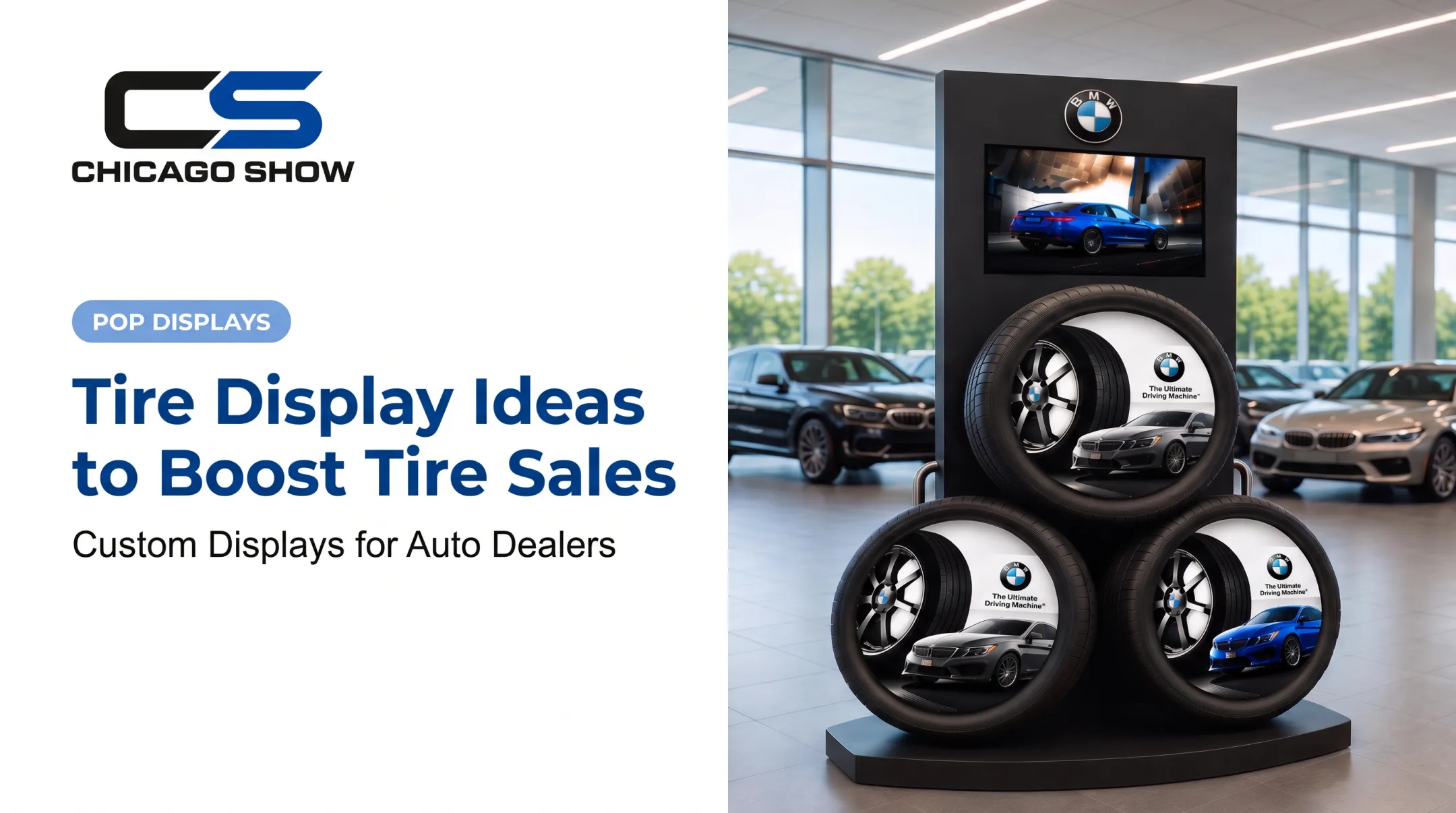
- Automotive: a single mounted tire or wheel with a spec card, like a rolling single-tire merchandiser
- Multi-product brands: one hero per rotation, not everything at once
Tell a seasonal or brand story
Seasonal themes, launches, limited editions, and community campaigns give a window a reason to exist beyond showing inventory. Ralph Lauren's 2024 holiday window at 888 Madison Avenue featured an animated 3D Polo Bear that waved and took selfies.
Keep the story consistent across channels. The window theme should echo in-store merchandising, social posts, email, and dealer materials.
Show the product in use
Staging a product in a realistic scenario teaches faster than a label. Examples:
- An installed accessory beside an uninstalled one
- A tool mid-task
- A building product shown in context
- A food product in a sampling setup
Chicago Show's Goodyear component display mounts real timing-belt components on an illustrated engine panel, so shoppers see where the part lives. Show the problem solved or the difference between options, but don't overcrowd the glass.
Make promotions and calls to action unmistakable
Lead with one clear offer type:
- Sale pricing or limited-time offers
- New-product announcements
- Bundles or loyalty prompts
- Event invitations
- "Learn more" prompts
Price, dates, and offer terms must be legible from the real viewing distance. Dunlop's motorcycle tire counter display, for example, leads with a rebate of up to $40, one number a shopper can absorb quickly.
Test whether the action suits the audience:
- Visit the store
- Scan for product information
- Book a consultation
- Ask an associate for a demo
CUBIC's guidance recommends one obvious action plus backup messaging for people who won't scan.
Add light, motion, or interactivity strategically
Backlit graphics, video, QR codes, touchscreens, motion triggers, and AR are optional boosts. Coach's AR mirror let passersby see themselves with the Tabby bag while the brand tracked foot traffic and conversions.
Technology must serve the story and survive the environment. Before you install, confirm:
- Glare and daylight visibility
- Power and maintenance
- Security
- Who updates the content
How to Design an Effective Window Display
Start with a clear brief
Define these before anyone designs anything:
- Campaign objective
- Target customer
- Featured product or service
- Desired action
- Display duration
- Location conditions
- Inventory availability
Audience changes everything. Automotive professionals want specs and comparisons. Families want quick visual cues. Contractors want proof the product works.
Create a visual hierarchy that reads quickly
The eye should travel from the hero product to supporting items, then to the brand and call to action. Scale, contrast, color, typography, and negative space do the work. A passerby should understand the window without studying it.
Walk the sidewalk, or drive past, and check from several distances and angles. If the focal point disappears, simplify.
Design for lighting, safety, and accessibility
Check the display at different times of day. Look at it from the pedestrian sightline, not just from inside, since glass reflections can bury a product.
Physical safety matters just as much:
- Mount fixtures securely and keep them stable
- Keep customer routes clear. The 2010 ADA Standards generally call for a 36-inch minimum clear walking width, with exceptions
- Watch protruding objects, which have their own limits
- Check fire code rules for decorative materials and exits
- Plan electrical safely, following OSHA and NEC requirements
Local codes and the authority having jurisdiction have the final say, so verify requirements for your site and fixture.
Choose materials for real-world use
Metal, plastic, wood, acrylic, graphics, fasteners, and finishes should match handling, cleaning, transport, and exposure. A display should arrive as specified, assemble correctly, and stay stable through the campaign. Chicago Show's specification work focuses on this, and units are checked against specifications before shipping.
Prototype, install, and refresh
Before rollout:
- Review a mock-up
- Check product fit and messaging
- Confirm packaging and install instructions
- Inspect the finished unit
Refresh on product availability, campaign changes, seasons, and shopper response, not whenever someone remembers.

Final review checklist:
- Focal point clear
- Message legible
- Lighting tested
- Product in stock
- Fixture stable
- Paths accessible
- Display clean
- Aligned with other channels
Should You Use Static or Digital Window Displays?
When static wins
Static displays suit tactile products, long-running brand stories, product education, small locations, and campaigns where reliability matters most.
- Benefits: no power or connectivity, simple to maintain, strong physical presence
- Limits: updates mean reprinting or rebuilding, plus storage and transport for reuse
Printed film has its own constraints. 3M's IJ67 perforated film, for instance, offers a 40% perforated pattern for outside imagery with inside visibility, but application, exposure, and removal conditions matter.
When digital adds value
Screens rotate messages, demonstrate products, play video, and update promotions fast. They fit campaigns that change often.
Budget for the full picture:
- Hardware and cooling
- Software and content licensing
- Content production
- Electricity and connectivity
- Brightness for daylight
- Maintenance, security, and replacement
Window-facing models exist with brightness around 3,000 nits and 24/7 operation, but specs vary by model, so confirm before buying.

Combine formats and plan for scale
Base the choice on these factors:
- Campaign objective
- Refresh frequency
- Product type
- Viewing conditions
- Number of locations
- Rollout timing
- Budget and staff support
A hybrid often works best: physical products and fixtures build credibility, while a screen or QR code handles education, motion, or timely offers. Chicago Show's BMW tire program pairs three physical tires on a showroom fixture with a top-mounted screen.
For repeatable multi-location rollouts, Chicago Show supports custom display programs from concept, engineering, and material specification through production, fulfillment, quality oversight, delivery, and ongoing support. Its capabilities center on physical displays in wood, steel, molded units, and branded graphics. Powered or illuminated elements need to be scoped and confirmed per project.
How to Measure and Improve Window Display Performance
Define the journey and baseline
Map the shopper path from first glance to purchase: they see the display, pause, scan, enter, ask a question, view a product, then buy. Pick matching indicators:
- Foot traffic and engagement observations
- Featured-product sales
- Inquiries and appointment requests
- QR scans
- Social mentions
- Associate feedback
Set a baseline or comparison period first. Without one, you can't say the display caused a change. Methods like V-Count's storefront A/B approach compare two window concepts on attention and entry, but entry alone doesn't prove sales.
Test one variable at a time
Change one thing: hero product, headline, color treatment, offer, call to action, lighting, static versus digital, or arrangement. Hold everything else steady.
Compare similar periods or similar locations. Log inventory, promotions, weather, staffing, and traffic, since any of them can skew the read.

Turn winners into repeatable programs
Document approved artwork, dimensions, materials, assembly steps, install instructions, product specs, quality checks, and refresh dates. That makes reorders and future waves far easier. Chicago Show maintains program history across reorders, refreshes, and rollout waves for this reason.
Treat every window display as an ongoing merchandising program. Review it, refresh it, and improve it as products, campaigns, and shopper behavior change.
Frequently Asked Questions
What are examples of display ads?
Online examples include banner, video, responsive, and retargeting ads. Physical examples include storefront graphics, illuminated displays, product-led windows, and digital window screens.
What does "window advertisement" mean?
It's a promotional message, product presentation, graphic, or display placed in or on a storefront window. Its job is to attract attention and prompt an action.
How much does display advertising cost?
Cost depends on format, materials, design complexity, printing, lighting or screen hardware, installation, number of locations, content updates, shipping, and duration. Request a project-specific estimate.
What are two main types of display ads?
Online display ads are commonly static or rich-media. Window advertising is commonly split into static physical displays and digital or screen-based displays.
Where can I find display ads?
Online, they appear on websites, apps, and social platforms. Physical window displays appear in storefronts, retail locations, dealer networks, showrooms, and service centers.